Pepperl+Fuchs / Isolated Output Channel Mapping
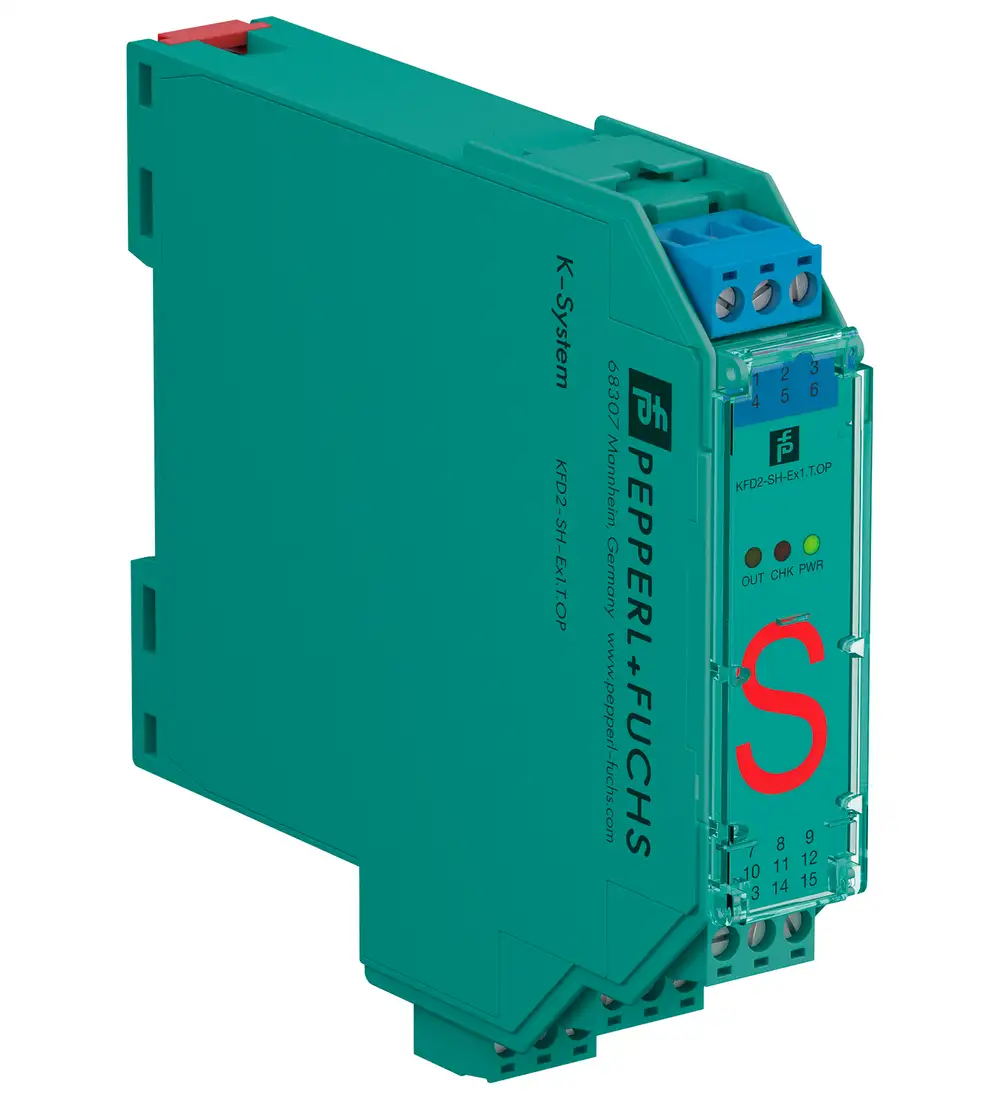
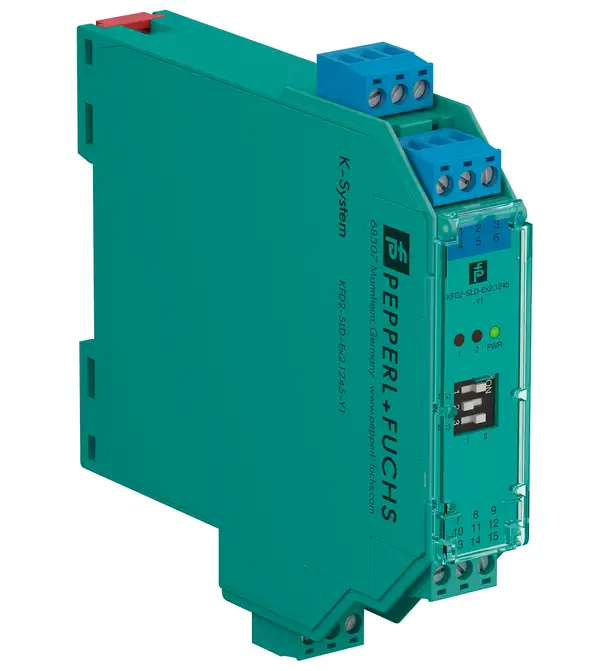
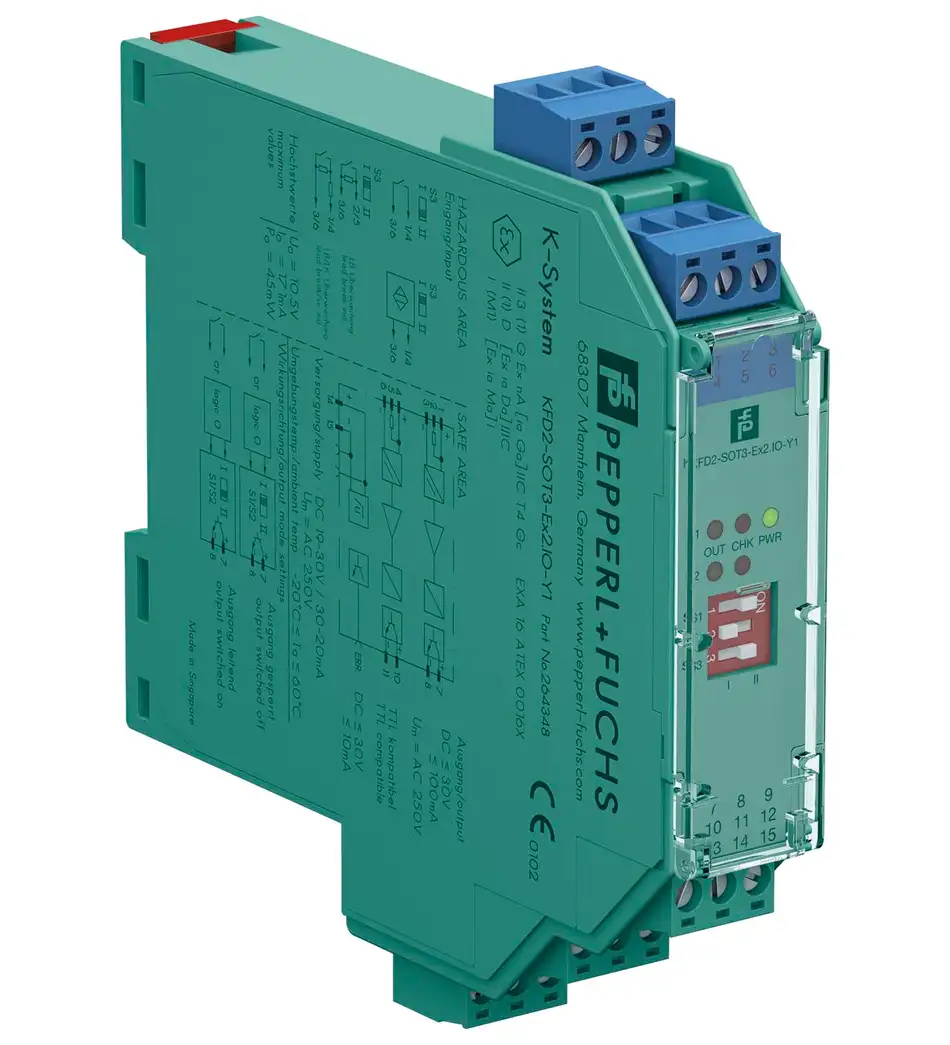
KFD2-SOT3-Ex2.IO is the Pepperl+Fuchs two-channel switch amplifier version with isolated, non-polarized passive transistor outputs. The .IO suffix matters when control-side circuits require the corresponding separation. This article builds a review around the two output destinations, giving engineers a focused way to describe the interface in a panel specification.
Begin with the two receiving circuits
First, identify the control input served by each output. Record its power source, voltage reference, and electrical requirements. Then compare those details with the barrier data. This approach makes the reason for the selected output arrangement visible. It also helps prevent a future spare request from losing an important suffix.
KFD2-SOT3-Ex2.IO connection map
The manufacturer assigns output I to terminals 7 and 8 and output II to terminals 10 and 11. Its data also specifies output-to-output isolation. Consequently, retain both terminal pairs in the loop drawing. The plain Ex2 version uses a different arrangement, so compare the exact designation whenever an alternative enters the purchasing discussion.
Passive outputs still need circuit matching
Isolation does not make the outputs active voltage sources. These are passive transistor interfaces, and the receiving circuit must suit them. In addition, check the permitted voltage and current using the complete specification. A clear electrical review should explain both the isolation requirement and how each control input obtains its operating signal.
Field input and diagnostic review
The two inputs accept NAMUR sensors or dry contacts. Reversible operation and line fault detection support different loop requirements. Therefore, document the selected operating direction for each channel. Also, define the expected alarm response. During commissioning, use the approved test procedure to compare the field condition with the correct control-side tag.
Create a durable spare record
- Preserve .IO in the item description and purchase line.
- Attach the two receiving input references and loop drawing revision.
- Record the existing article number and required documentation.
For a project order, add quantities by cabinet and identify the delivery sequence. This gives the sourcing team a useful schedule while keeping the technical version clear.